📺 Streaming Account Password Security: How to Protect Netflix, Disney+, and Spotify in 2026
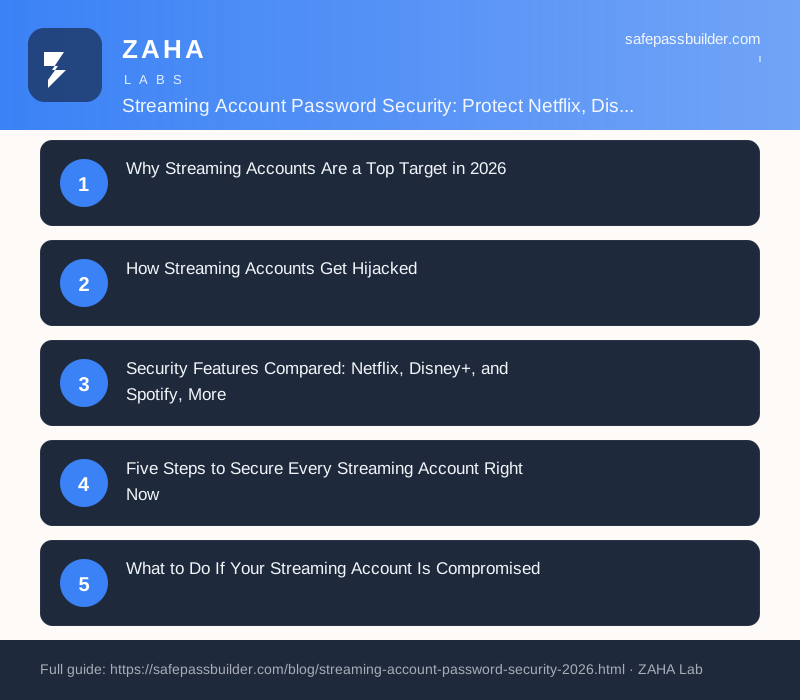
On this page
Stolen Netflix logins regularly sell on dark web marketplaces for less than the cost of a monthly subscription — and attackers run automated tools that test millions of leaked passwords against streaming sites every single day. Streaming account security means using strong, unique passwords and two-step verification on every subscription service to prevent unauthorised access to accounts that store your payment details and are linked to your main email address.
The risk sharpened in 2025 when major streaming platforms cracked down on password sharing. Millions of households that previously shared a single login had to create new individual accounts, and many chose convenience over security: short passwords, recycled from other services, sometimes with two-factor authentication left off. Security researchers from Kaspersky noted a corresponding surge in credential-stuffing campaigns specifically targeting streaming platforms in the months that followed. This guide explains how the attacks work and exactly what to do to stop them.
Why Streaming Accounts Are a Top Target in 2026
It is tempting to think a streaming account is low-stakes — the worst an attacker can do is watch films on your plan. That underestimates the value of what these accounts actually contain:
- Saved payment cards. Netflix, Disney+, and most other platforms store billing details so charges are automatic. A hijacked account gives an attacker a shortcut to test whether your card is live before using it elsewhere.
- A verified email address. Streaming accounts are created with a real, working email. That address is worth money to spammers and is often the same inbox you use to reset passwords on more sensitive accounts.
- Profile data and watch history. While less obviously valuable, profile information (name, age of children, viewing habits) can feed social-engineering or targeted-phishing attacks against your family.
- Resale value. A working premium streaming login sells quickly. Underground markets treat stolen streaming accounts as a commodity — high demand, easy to test in bulk, replaced the moment they are reported stolen.
The U.S. Cybersecurity and Infrastructure Security Agency (CISA) identifies credential theft as consistently the number-one initial access vector used by attackers across all account types, and streaming services are no exception. CISA's guidance explicitly states that "using strong passwords and multifactor authentication are the most important steps individuals can take to secure their online accounts."
How Streaming Accounts Get Hijacked
Understanding the three main attack methods makes it easy to see why standard security advice works.
1. Credential Stuffing
This is by far the most common method. Attackers acquire leaked databases — from breaches at unrelated websites — and run automated scripts that try each email-and-password combination against Netflix, Spotify, and every other major platform. If you use the same password for your streaming service as you used for a site that was breached years ago, the attacker logs in immediately. NIST SP 800-63B calls this a primary reason why password reuse is so dangerous: "Verifiers shall not permit subscribers to use passwords found in lists of compromised passwords." Your password does not need to have been stolen from the streaming service itself — any breach of any site you ever used with the same password is sufficient.
2. Phishing Emails
Attackers send emails that look exactly like billing alerts from Netflix or Spotify — "your payment failed, update your card now." The link goes to a spoofed login page that harvests your credentials the moment you type them. These campaigns spike every time a streaming platform makes a headline change (price increases, account-sharing enforcement, new subscription tiers) because users are already expecting communications from the service.
3. Weak or Guessable Passwords
Many people still protect high-value accounts with passwords like netflix2024, the family name, or the service name itself. Automated brute-force tools run through the most common patterns in minutes. The National Cyber Security Centre (NCSC) publishes annual lists of the most-breached passwords and consistently finds that passwords derived from the service name or simple number sequences appear in millions of compromised accounts.
Security Features Compared: Netflix, Disney+, Spotify, and More
Knowing what tools each platform offers helps you use them fully. Here is a quick reference for the most common services:
| Service | Two-Step Verification | Active Device List | Sign Out All Devices | Login Alerts |
|---|---|---|---|---|
| Netflix | Yes (email or authenticator app) | Yes | Yes | Yes |
| Disney+ | Yes (email code) | Yes | Yes | Yes |
| Spotify | Yes (via Google/Apple or SMS) | Yes | Yes | Limited |
| Apple TV+ | Yes (Apple ID 2FA) | Yes (via Apple ID) | Yes | Yes |
| Amazon Prime Video | Yes (Amazon account 2FA) | Yes | Yes | Yes |
| YouTube Premium | Yes (Google account 2FA) | Yes (Google security page) | Yes | Yes |
All major platforms support some form of two-step verification and allow you to view and terminate active sessions. If you have not turned on two-step verification for every service above, that is the single most impactful thing you can do after reading this guide.
Five Steps to Secure Every Streaming Account Right Now
Work through this checklist for each subscription your household holds. It takes around five minutes per service.
Step 1: Set a Unique, Strong Password
Each streaming service needs its own password — one that is used nowhere else. NIST SP 800-63B recommends a minimum of 15 characters, mixing upper and lower case letters, numbers, and symbols, or a longer random passphrase. The easiest way to achieve this across every service without memorising dozens of logins is to generate and store them in a dedicated password manager. NordPass works across phones, tablets, and computers — so your whole family's streaming passwords are available on every device, but nobody has to remember any of them individually.
Step 2: Turn On Two-Step Verification
Log into each service's security settings and enable two-step verification (also called two-factor authentication or 2FA). Where you have the choice, use an authenticator app (such as the one built into your password manager) rather than SMS, because SIM-swapping attacks can intercept text message codes. Once enabled, even if an attacker has your password they still cannot get in without the one-time code from your device.
Step 3: Review and Remove Unrecognised Devices
Every service listed in the table above lets you see which devices are currently signed in. Check the list and sign out any device you do not recognise or no longer use. On Netflix this is under Account → Manage Access and Devices; on Spotify it is under Account → Apps → Sign Out Everywhere. Do this now, and then again whenever you change your password.
Step 4: Check Your Linked Email Address
In each service's account settings, verify that the linked email address is yours and has not been changed. The email inbox is the recovery hub — whoever controls it can reset any password tied to it. Make sure your primary email account also has a strong unique password and two-step verification. If your email was part of a known breach, use a free tool like Have I Been Pwned (haveibeenpwned.com) to check, and then run a security scan across your family's devices with a tool like Kaspersky to rule out any malware that could be capturing credentials silently.
Step 5: Turn On Login Notifications
Where the service supports it, enable email or push notifications for new sign-ins. This means that if someone does get access using credentials from an old breach, you find out within minutes rather than weeks. Respond to any unexpected notification immediately by changing the password and signing out all devices.
What to Do If Your Streaming Account Is Compromised
Speed matters. The first hour after realising your account has been taken over is when you can limit the damage most effectively.
- Use password reset immediately. Even if the attacker has not changed the email address yet, go to the service's login page and trigger a password reset to your email. Do this first, before anything else.
- Sign out all active devices. Once you are back in, use the account settings to force-sign-out every device. This disconnects the attacker's session.
- Change your password to a new, unique one. Do not reuse any previous password. Generate a fresh random one using your password manager.
- Enable two-step verification if it was not already on. This is the lock that should have been there from the start; add it now before the attacker can return.
- Check billing details and contact your bank if necessary. Review whether your payment card was saved and whether any unauthorised charges have been made. Your bank can replace a compromised card quickly.
- Report to the streaming service. Use the service's support channels to report the account compromise. They may be able to tell you when and where the unauthorised access originated, and they can flag the account for monitoring.
FAQs
What is streaming account security?
Streaming account security is the practice of protecting subscription services like Netflix, Disney+, and Spotify from unauthorised access through strong unique passwords and two-step verification. Because these accounts store payment details and are linked to your email, a compromised streaming login can be a gateway to wider identity theft — not just a free ride on your subscription.
How do hackers steal streaming accounts?
The most common method is credential stuffing: attackers take email and password combinations from unrelated data breaches and automatically test them against streaming sites. If you reuse a password across services, one breach elsewhere is enough to hand over your streaming account. Phishing emails that mimic billing alerts are the second most common vector.
Should I use a different password for each streaming service?
Yes, always. CISA explicitly recommends a unique password for every account. Reusing even one password across Netflix, Spotify, and your email means a single breach can unlock all three. A password manager generates and stores a different random password for each service so you only need to remember one master password.
What should I do if my streaming account is hacked?
Act within the first hour: trigger a password reset to your email, change your password to a new strong unique one, sign out all active devices, enable two-step verification, verify your linked email address has not been changed, and check recent billing activity. If a payment card was stored, monitor it for unauthorised charges.
Conclusion
Streaming services are not low-risk accounts — they are linked to your payment details, your email address, and increasingly to your family's viewing and listening habits. Credential-stuffing bots run against them constantly, and the crackdown on password sharing in 2025 created a wave of new accounts set up with weak, reused passwords that are easy to hit.
The fix is straightforward: a unique password for every service (generated and stored in a password manager), two-step verification switched on everywhere, and a quick check of active devices every few months. If you have not done this for your family's streaming accounts yet, set aside fifteen minutes today — one service at a time through the checklist above. It is a small investment for protection that holds up against the automated attacks that are running right now.